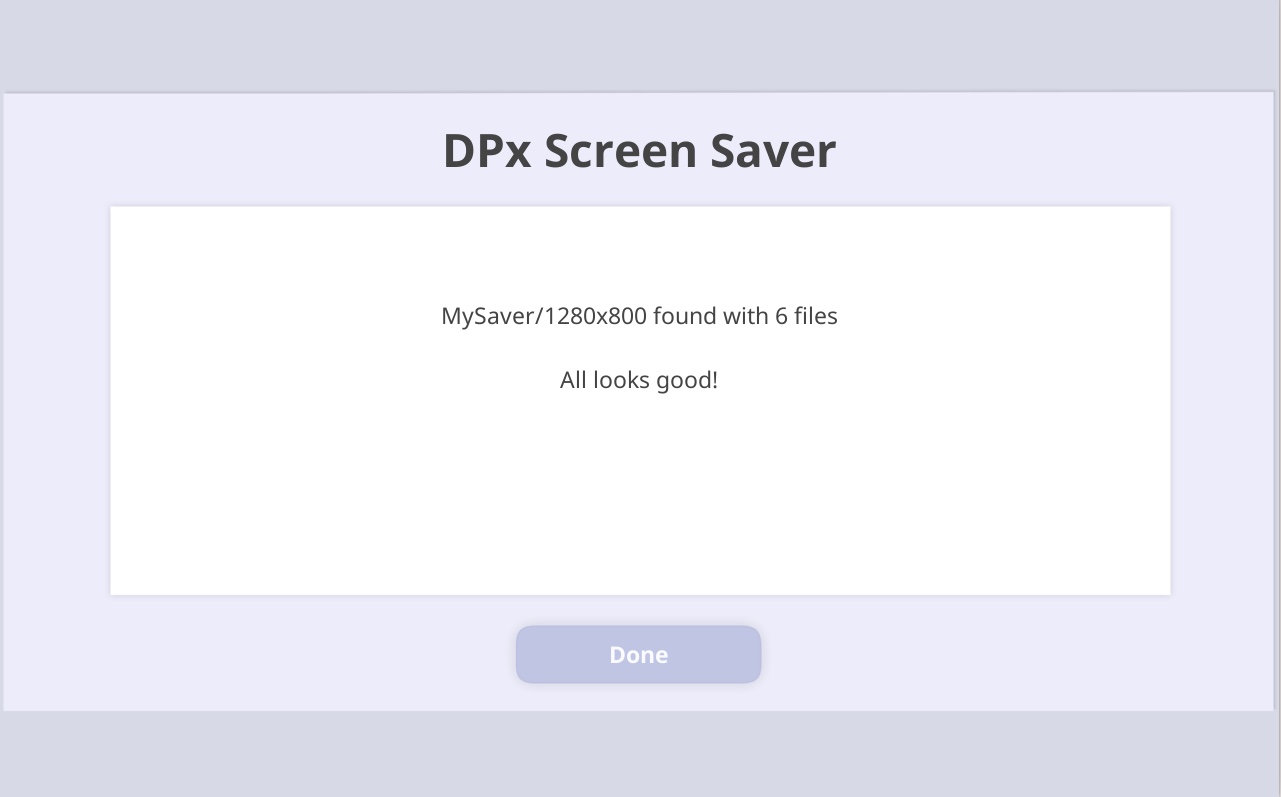
MySaver
When the de1plus app is in sleep mode, it will display a slide show of images from it’s de1plus/saver/XXXXxYYYY/ folder. XXXX being your tablets screen width in pixels and YYYY being the screen height in pixels.
You can add your own images to this folder, but if you delete the supplied images they will be reinstalled whenever you run an app update.
To make it possible to use only images you choose to use, I created a folder named ../MySaver/XXXXxYYYY/
DSx and DSx2 skins will automatically look for the MySaver folder and tell the app to use those images if they exist.
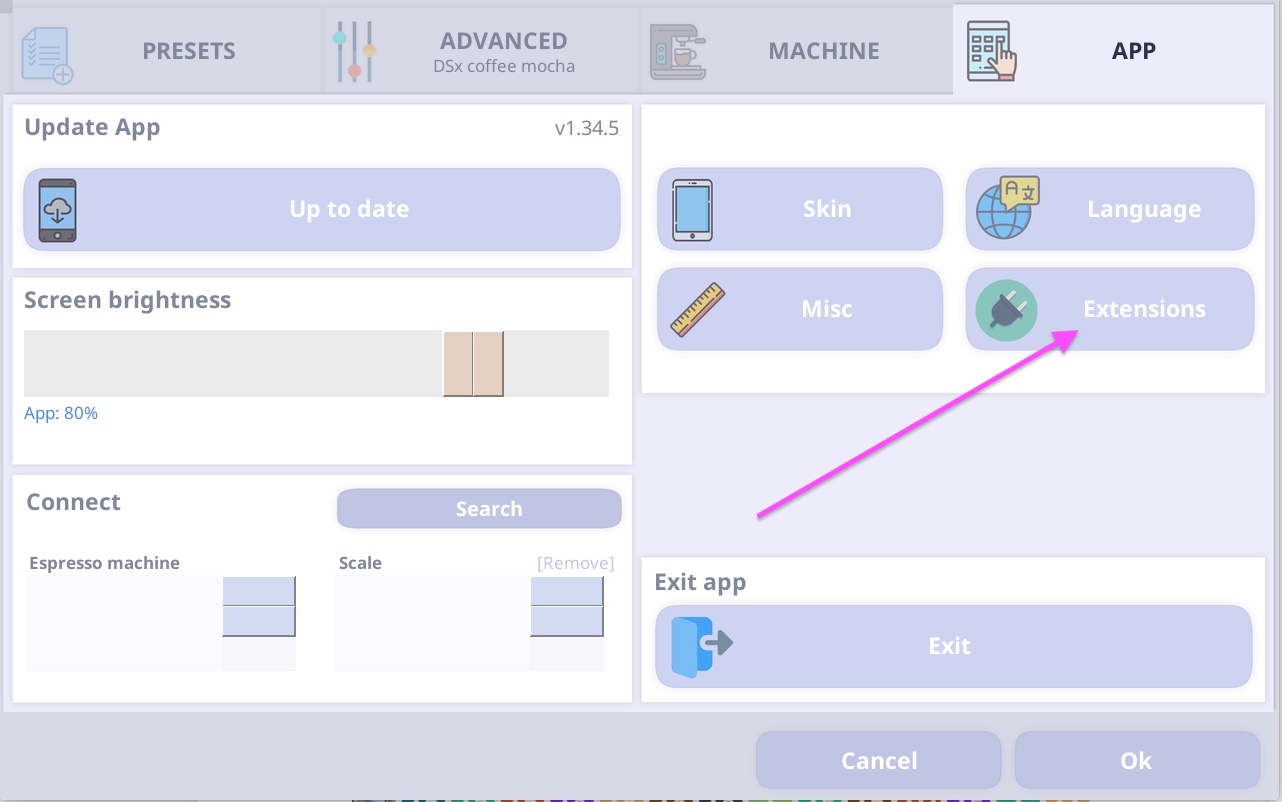
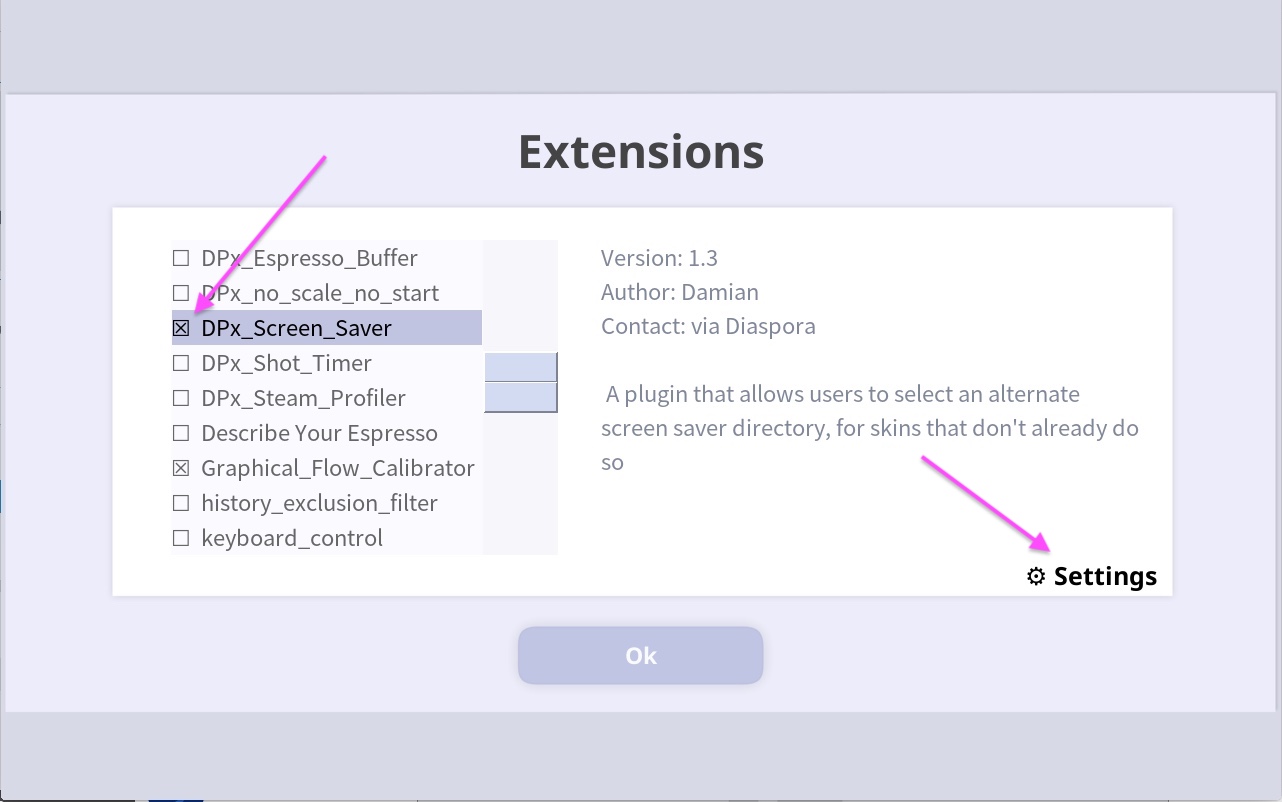
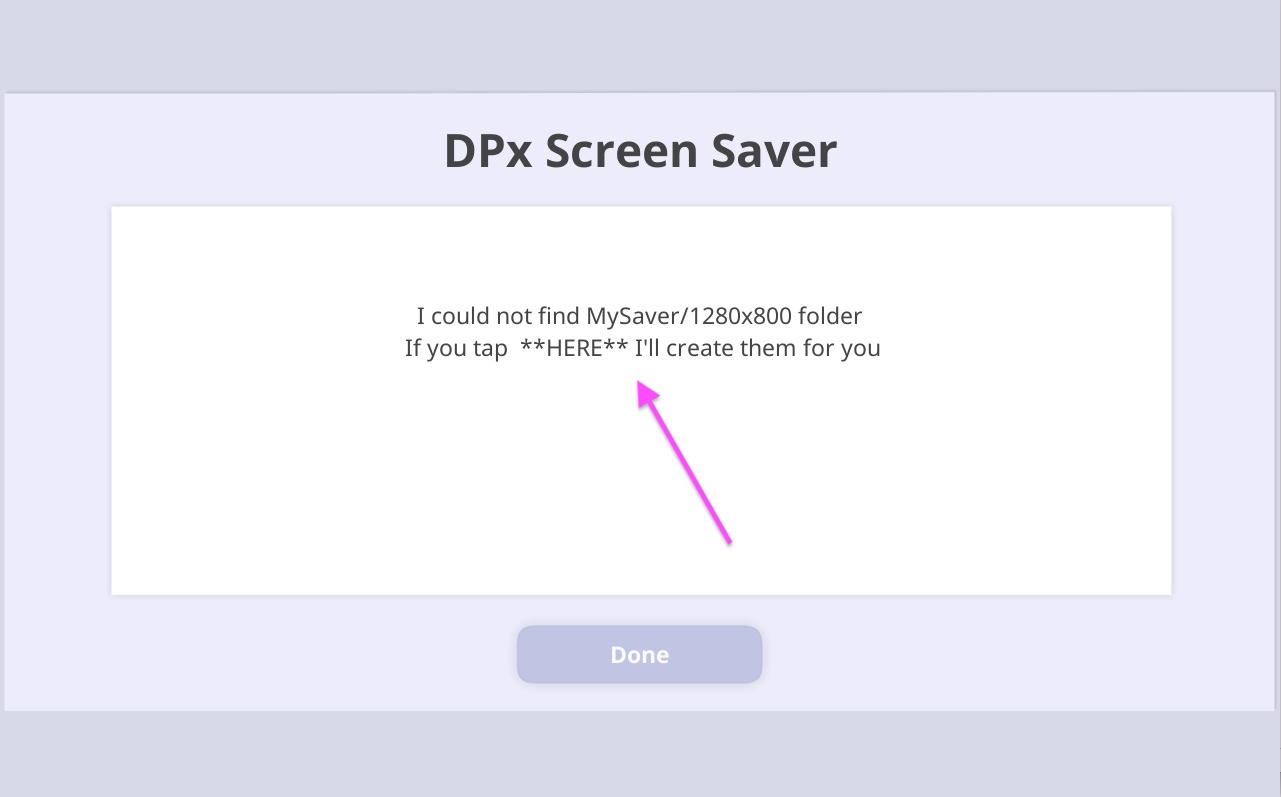
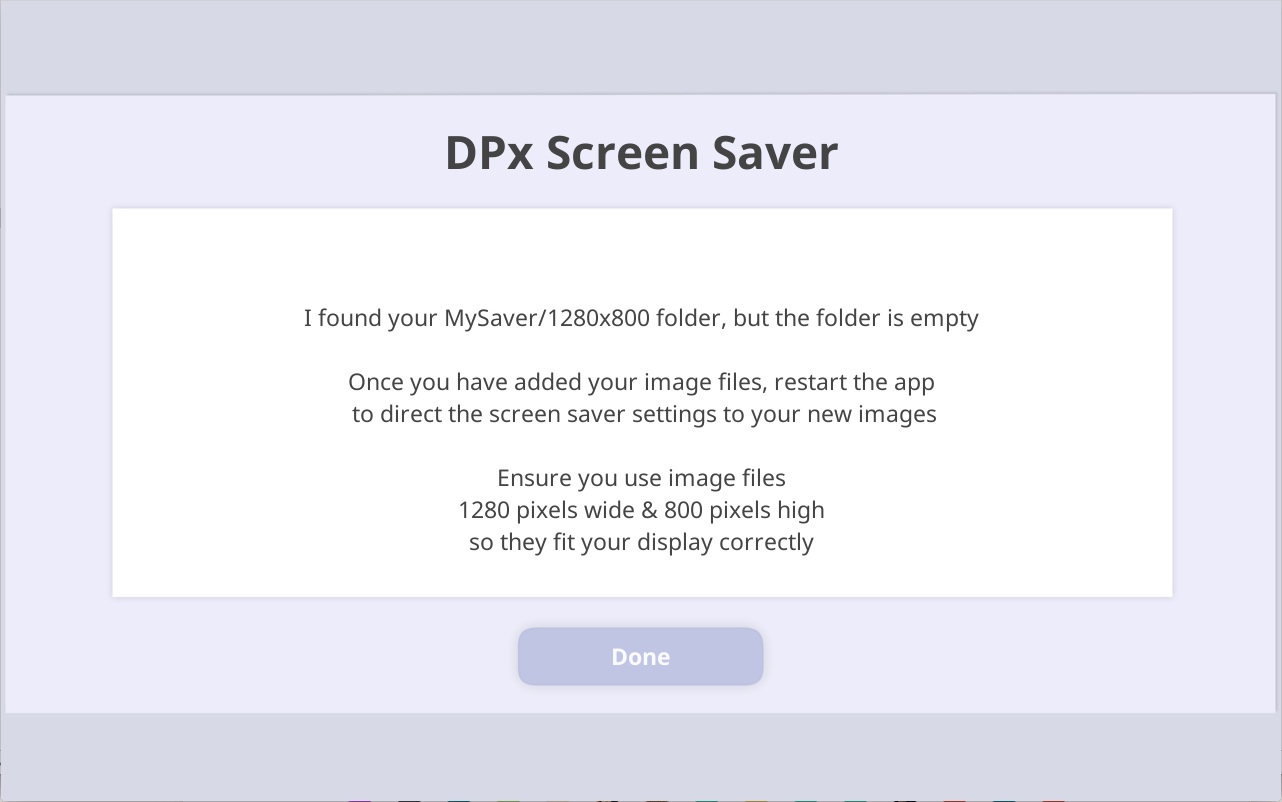
For other skins, I wrote an app extension named DPx Screen Saver, which will not only look for MySaver in the same way DSx and DSx2 do, it will walk you through the setting it up.
You can use DPx Screen Saver to settup MySaver when using DSx or DSx2 also, but after setting it up you should de activate the DPx Screen Saver extension and let the skin take care of loading MySaver images, otherwise you will create two instances of the slide show. This can cause duplicate screen saver clocks and screen saver buttons to not work.